
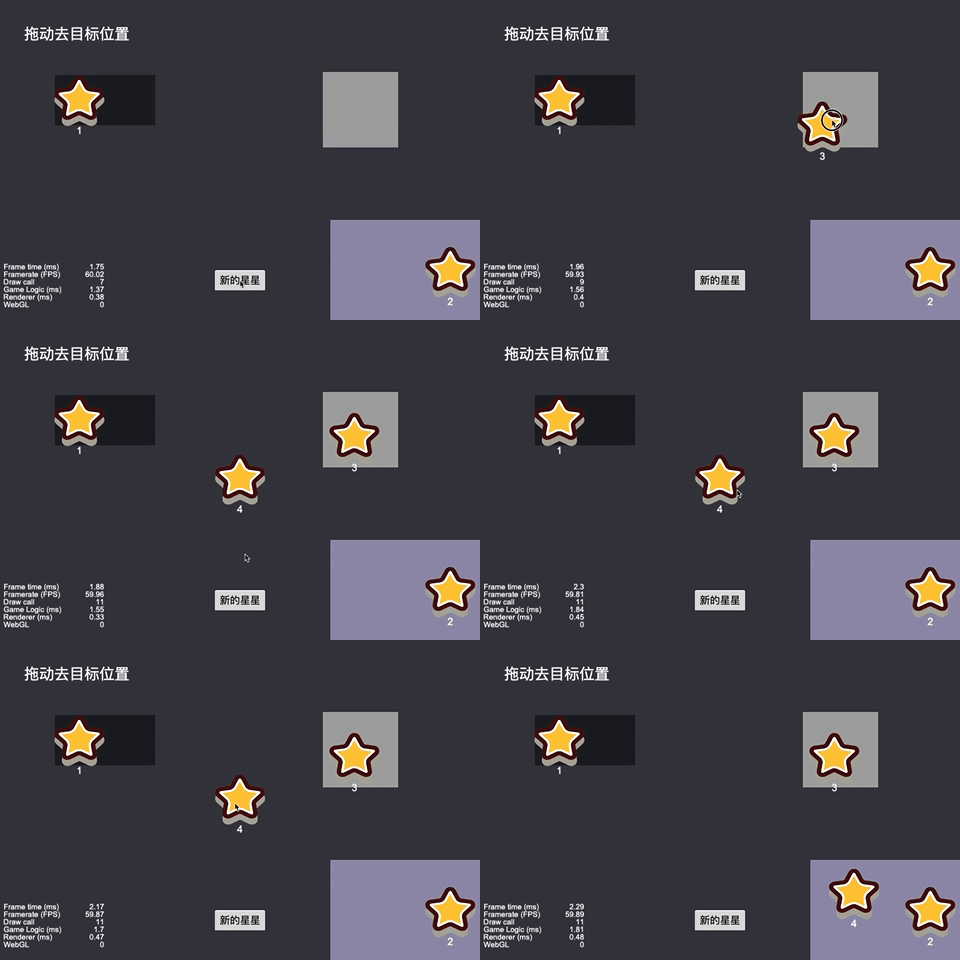
Cocos Creator 拖动去指定区域
我们要实现的效果是,按住并拖动一个小物体,物体跟随手指(鼠标)移动。拖到指定位置放下。如果没有到指定位置,则回到上一个位置。新建脚本DragToTarget.ts,挂到预制体上。123456789101112131415161718192021222324252627282930313233343536373839404142434445464748495051525354555657const { ccclass, property } = cc._decorator;@ccclassexport default class DragToTarget extends cc.Component { @property(cc.Label) nameLabel: cc.Label = null; ..
更多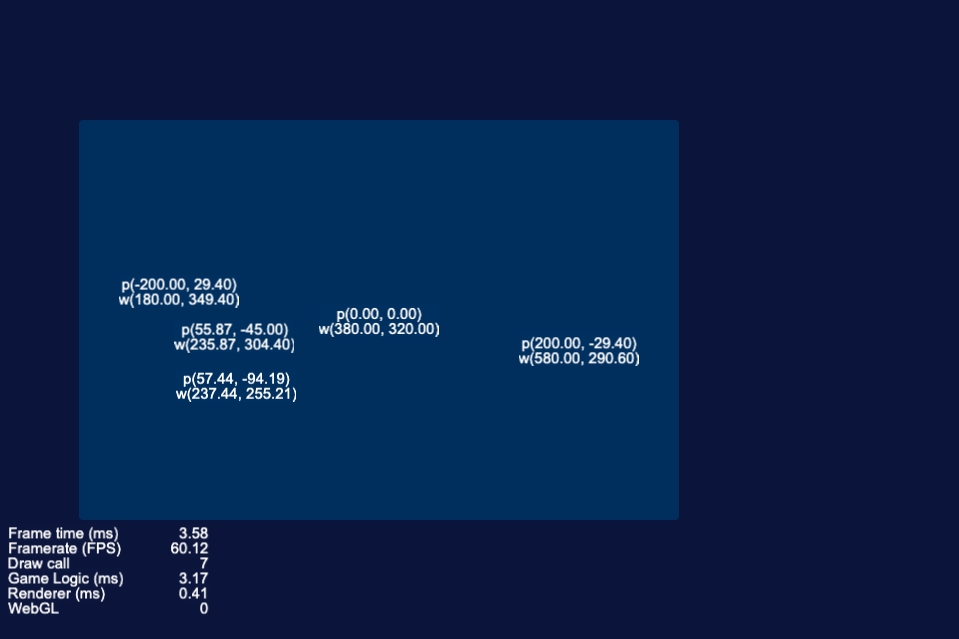
Cocos Creator 坐标与转换
ccc的坐标系ccc提供了api,在世界坐标和本地坐标之间可以相互转换。12345let postion = node.position; // postion是在父节点中的坐标cc.log(name, 'position (', postion.x.toFixed(2), ',', postion.y.toFixed(2), ')');let worldPos = node.parent.convertToWorldSpaceAR(node.position); // 世界坐标cc.log(name, '世界坐标(', worldPos.x.toFixed(2), ',', worldPos.y.toFixed(2), ')');node.position是本地坐标,也就是在父节点中的坐标。让父节点调用con..
更多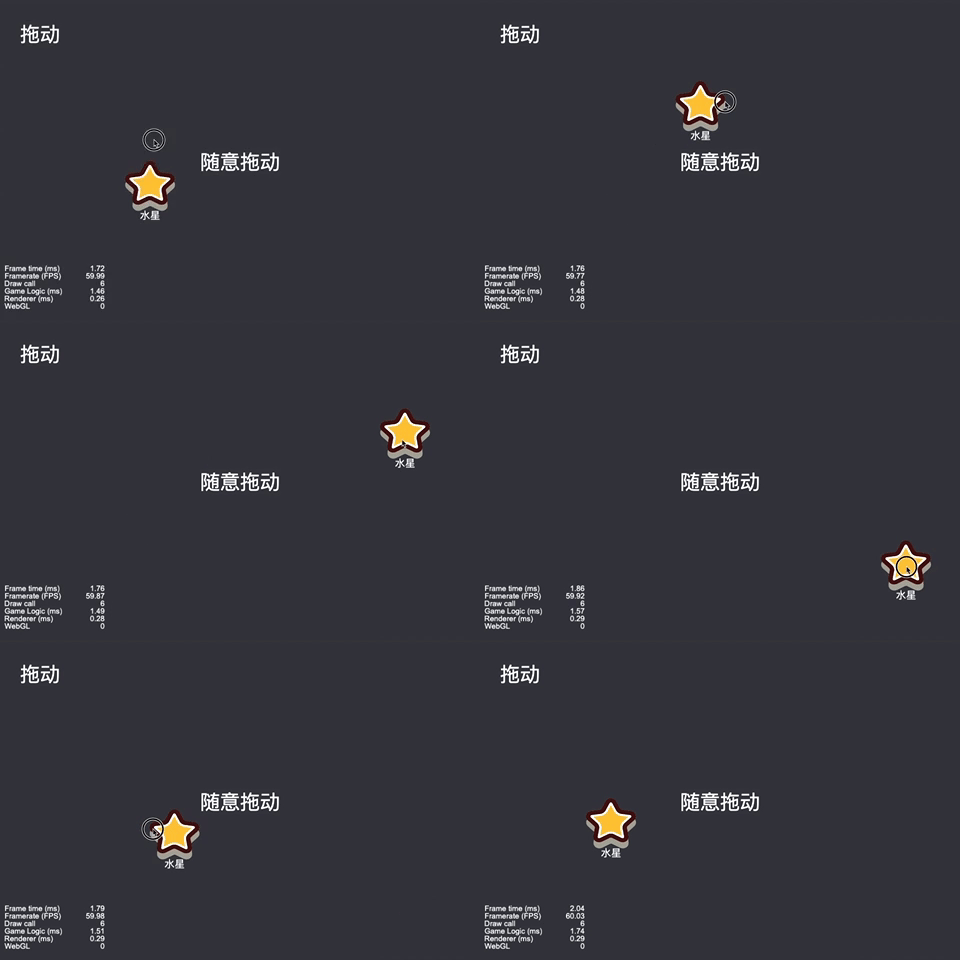
Cocos Creator 拖动效果
我们要实现的效果是,按住并拖动一个小物体,物体跟随手指(鼠标)移动。代码DragToAnywhere.ts12345678910111213141516171819202122232425262728293031@ccclassexport default class DragToAnywhere extends cc.Component { @property(cc.Label) label: cc.Label = null; start () { } onEnable() { this.node.on(cc.Node.EventType.TOUCH_MOVE, this._onTouchMove, this); this.node.o..
更多